
Download for free
Can Remini Pro Make Low-Quality Photos HD?
Low-quality photos are common when an image is taken with an old phone or a weak camera. Small images can also lose quality after compression or repeated sharing on social media. Blurry faces and unclear details can make an otherwise valuable photo look dull. This is where Remini Pro can be useful. Remini Pro is designed to improve photos with AI-based enhancement tools. It can sharpen images and improve visible details to give them a cleaner and higher-quality appearance.
Remini Pro can make a low-quality photo look closer to an HD image by improving sharpness and restoring some details. It does not simply increase the image size. Its AI technology analyzes the photo and works on areas such as faces and textures. The final result depends on the original image. A slightly blurry photo can often show a noticeable improvement while an extremely damaged image may still have limits. Even so Remini Pro can be a helpful option for people who want to enhance old or low-resolution pictures.
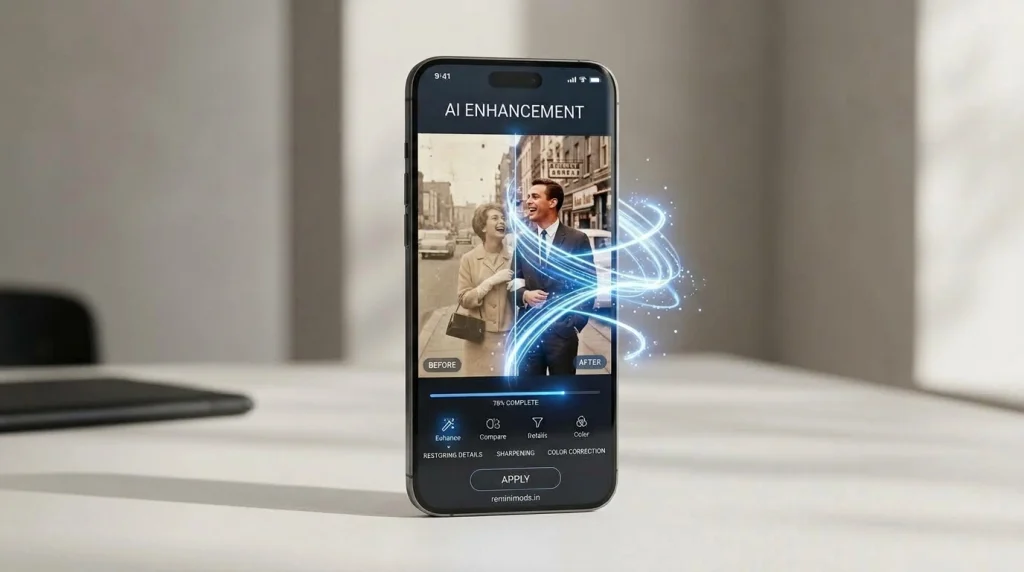
How Remini Pro Enhances Low-Quality Photos
Remini Pro APK uses AI photo enhancement to process images and improve their visual quality. When you upload a low-resolution picture the app analyzes different parts of the image. It can detect faces and other important details before applying improvements. This process can make soft areas look sharper and help restore details that are difficult to see in the original photo. The result is usually a cleaner image with better definition.
One of the main benefits of Remini Pro is its focus on facial details. Old portraits and selfies can often have blurry eyes or unclear facial features. The AI enhancement can make these areas look more defined. Remini Pro can also improve contrast and overall clarity which can make the image look more polished. However the app cannot always recover information that is completely missing from a photo. AI enhancement works by analyzing the available image data and creating a more detailed appearance.
Can Remini Pro Convert a Photo to HD Quality?
Remini Pro can improve the appearance of a low-quality photo and make it look more like an HD image. This can be especially useful for old photographs that have low resolution. After enhancement the image may appear sharper and clearer. Fine details can become easier to notice. Faces can also look more defined. These changes can give an old picture a modern and higher-quality appearance.
It is important to understand that HD quality is not only about increasing resolution. A photo can have a larger size but still look blurry. Remini Pro focuses on improving the visual details along with resolution. The quality of the final image depends on the source photo. If the original picture has some visible details then the AI has more information to work with. If the photo is extremely pixelated or heavily damaged the improvement may be more limited.
Remini Pro for Old and Blurry Photos
Old photos are one of the common reasons people use AI enhancement apps. Printed photos that have been scanned can look faded or soft. Pictures from older mobile phones can also have limited resolution. Remini Pro can help improve these images by making faces clearer and adding more definition to visible areas. This can make personal memories easier to view and share.
Blurry photos can also benefit from enhancement. Remini Pro can reduce the appearance of softness and improve image clarity. Portraits may show better facial details after processing. The app can be useful for family pictures and old selfies as well as photos saved from older devices. The result will not always be perfect because every image has different levels of blur and damage. Still the AI processing can make a noticeable difference in many cases.
Is Remini Pro Good for HD Photo Enhancement?
Remini Pro APK Download is a useful option for people who want to enhance low-quality photos and create a sharper HD-style result. Its AI-based tools can improve clarity and facial details without requiring advanced photo editing skills. Users can upload an image and apply enhancement without manually adjusting many settings. This makes the process simple for beginners who want better-looking photos.
The best results usually come from images that contain enough original detail for the AI to analyze. Photos with mild blur or low resolution may show strong improvements while severely damaged pictures can remain imperfect. Remini Pro should therefore be viewed as an enhancement tool rather than a way to magically restore every missing detail. For many users it can provide a quick way to turn an ordinary low-quality photo into a clearer and more attractive image that is easier to save print or share online.